 ASGE
ASGEAdd a collider
Collider shapes get their own viewport interaction mode instead of raw number fields.
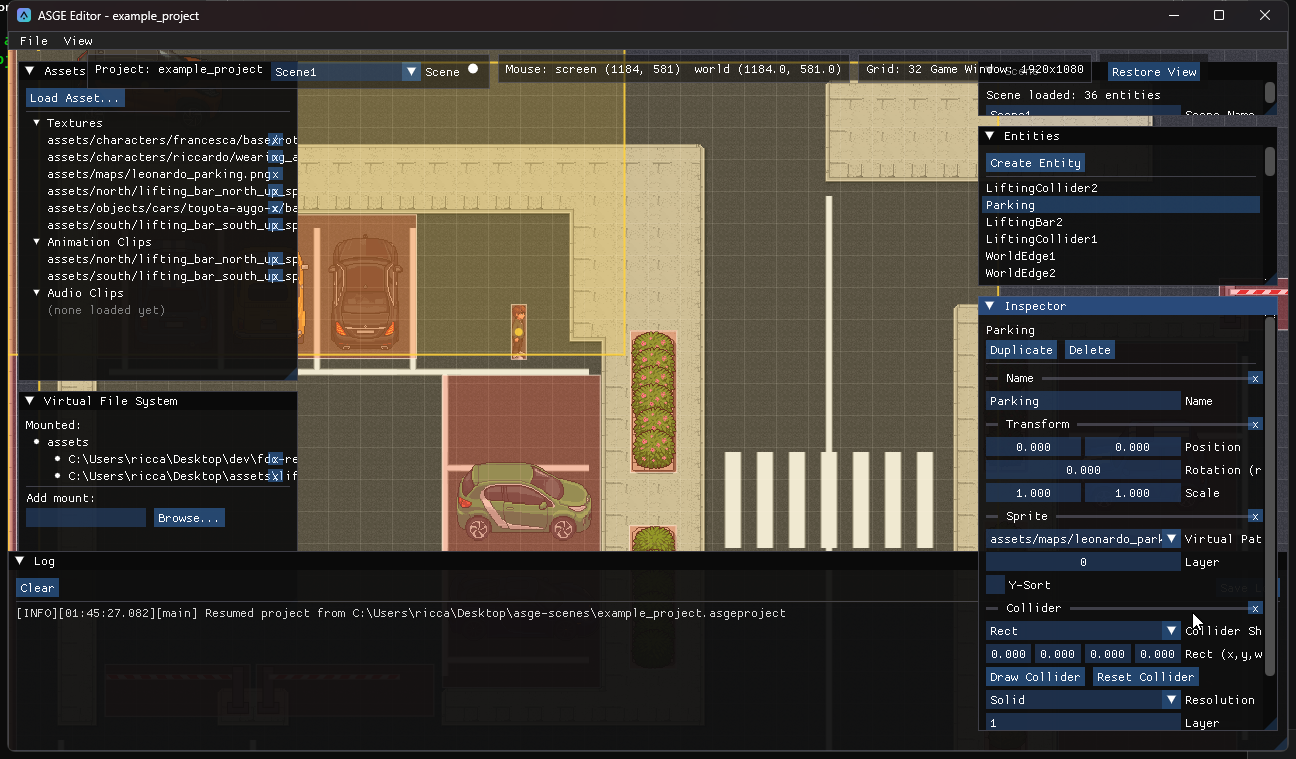
Steps
- Select an entity and add a
Colliderfrom Add Component. - Pick the shape in the Collider Shape dropdown (Rect or Circle, default Rect). The editor remembers each shape's own last dimensions per entity, so switching back and forth loses neither.
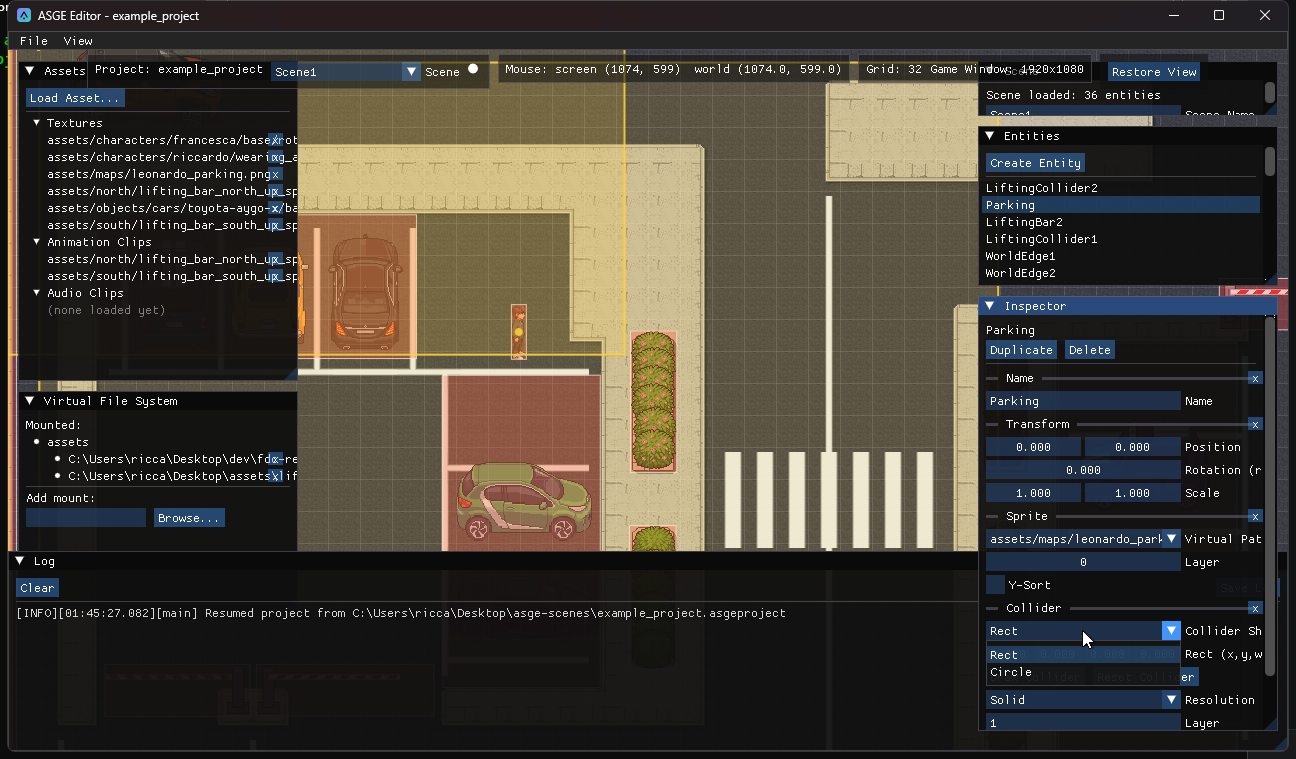
- Click Draw Collider, then press to anchor the shape and drag to grow it: a rect defines opposite corners, a circle's drag sets its radius from the anchor. Release to commit; Esc restores the previous shape.
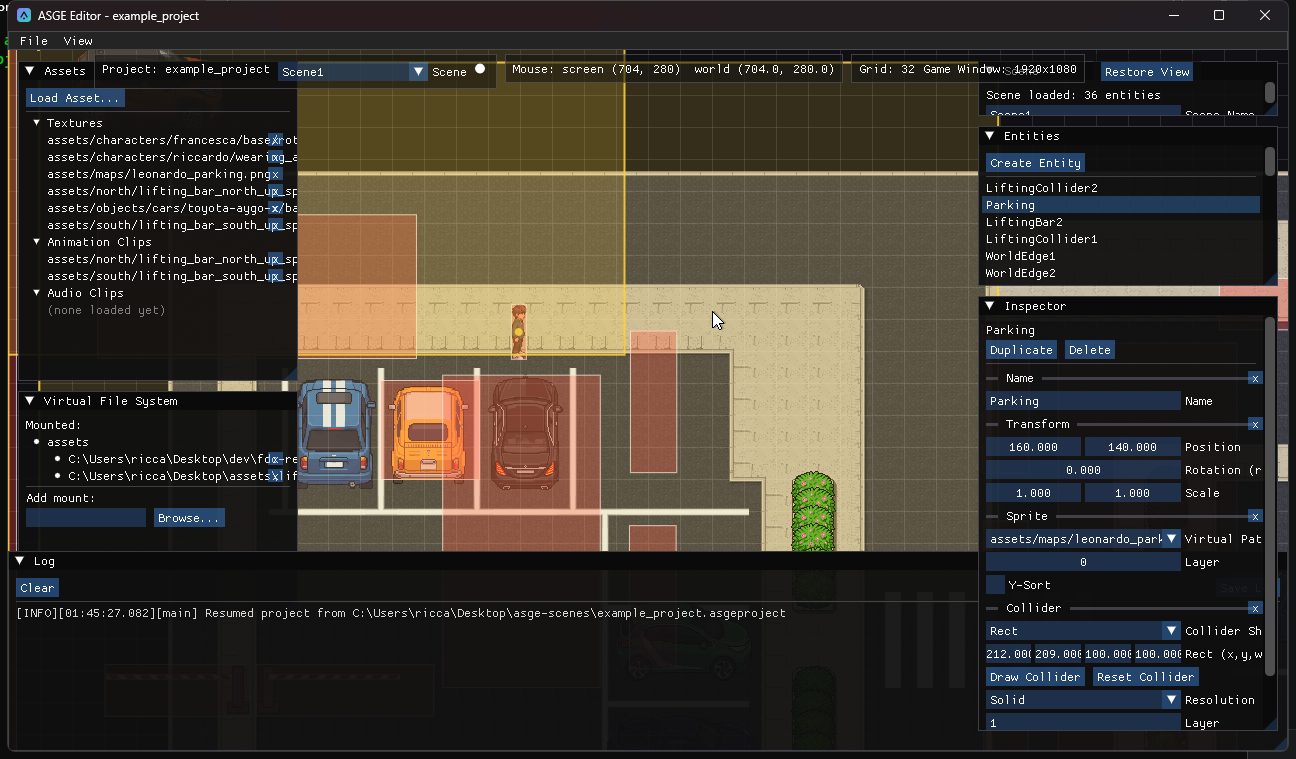
- Reset Collider zeroes the current shape's dimensions.
Drawing edits the live Collider component, so the translucent overlay every collider already has shows it updating in real time.
Previous: Arrange the UI · Next: Animate a sprite.