 ASGE
ASGENavigate the viewport
The viewport is a real, resizable window with the engine's own camera and viewport math underneath, so every overlay pans and zooms exactly like the scene.
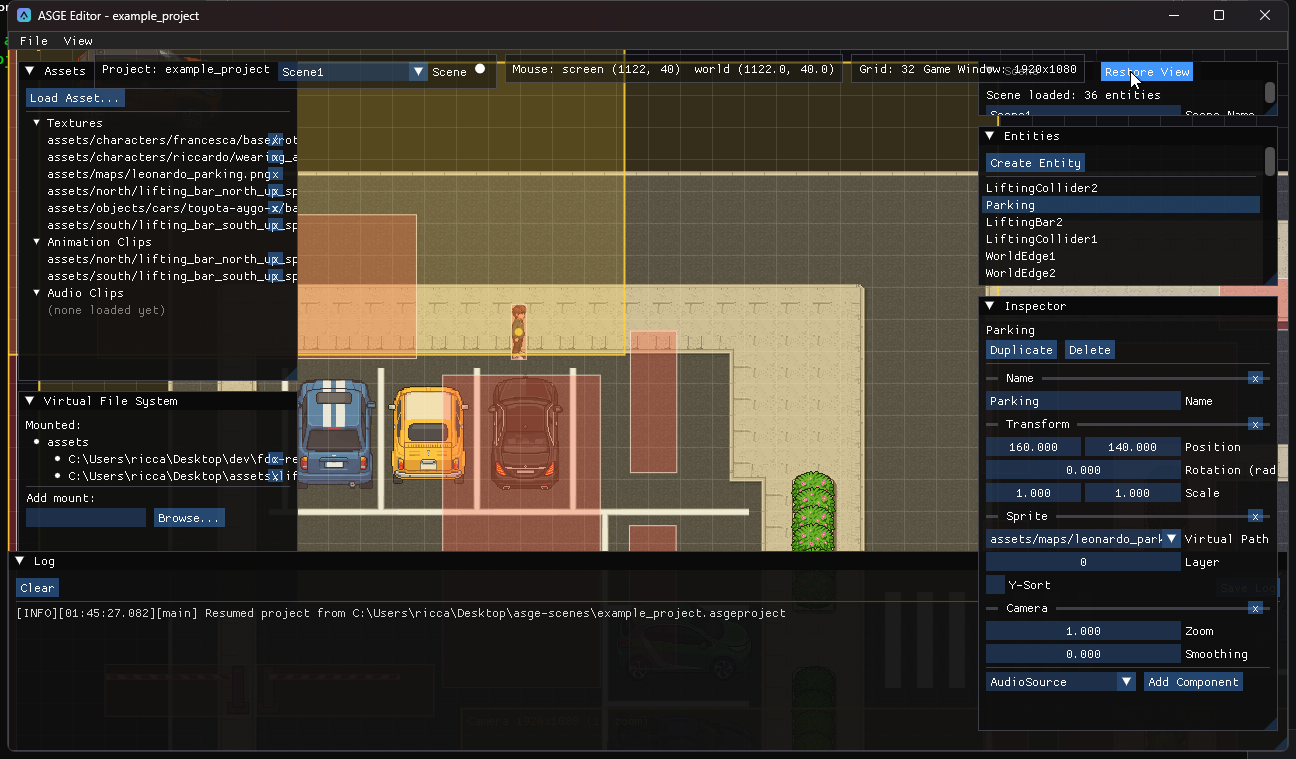
| Input | Effect |
|---|---|
| Left-drag | Move the clicked entity (or drag a gizmo arm to constrain to one axis). |
| Middle-drag | Pan the camera. |
| Scroll | Zoom, anchored on the point under the cursor. |
| Restore View | Reset pan and zoom to the default. |
Set the grid spacing
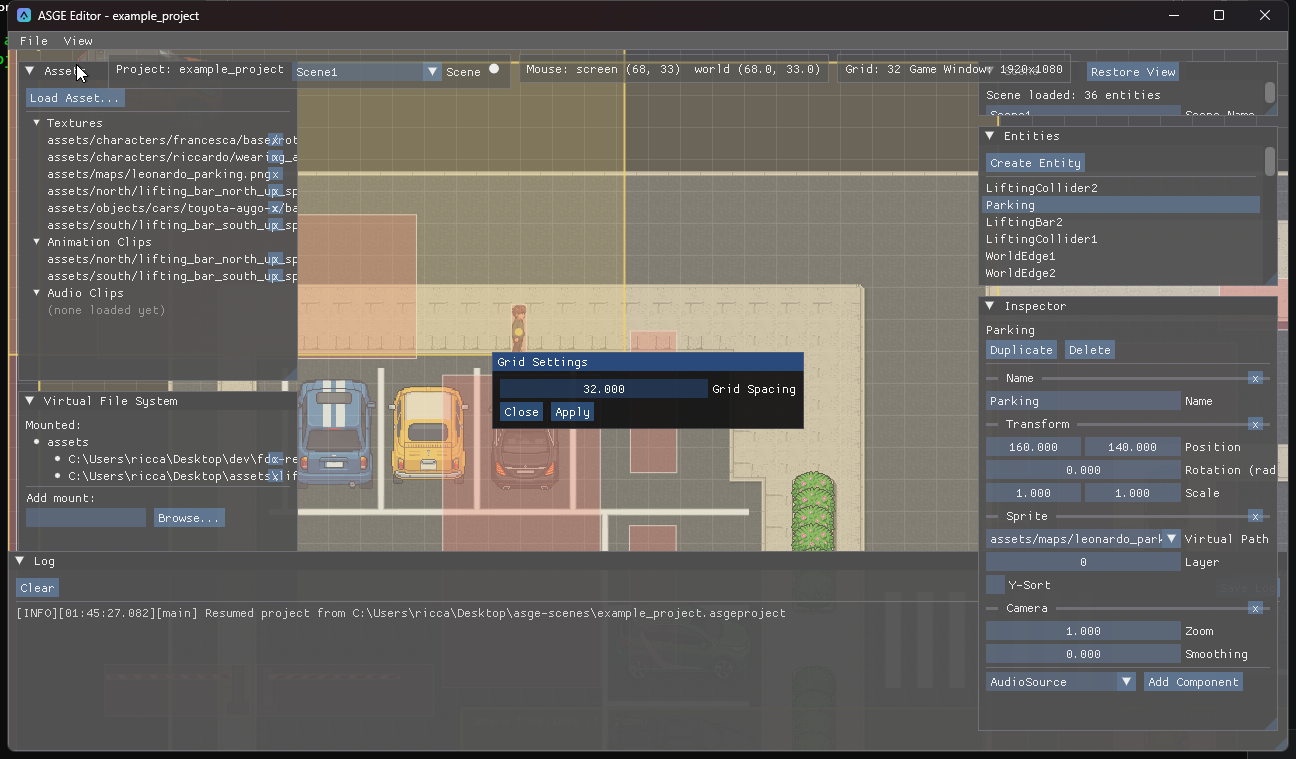
- Open View → Grid (disabled without a project).
- Set the world-space spacing between the reference grid lines drawn behind every sprite.
The value is saved in the project's own [View] settings, not in scene data.
Previous: Work with scenes · Next: Configure the game window.